Teams - Create and Invite Members
Who can use Teams
Teams is available for:
- Free accounts
- Pay-as-you-go accounts
- Business accounts
The person you would like to invite into your team needs to be already registered to Tatum.io.
Create a Team
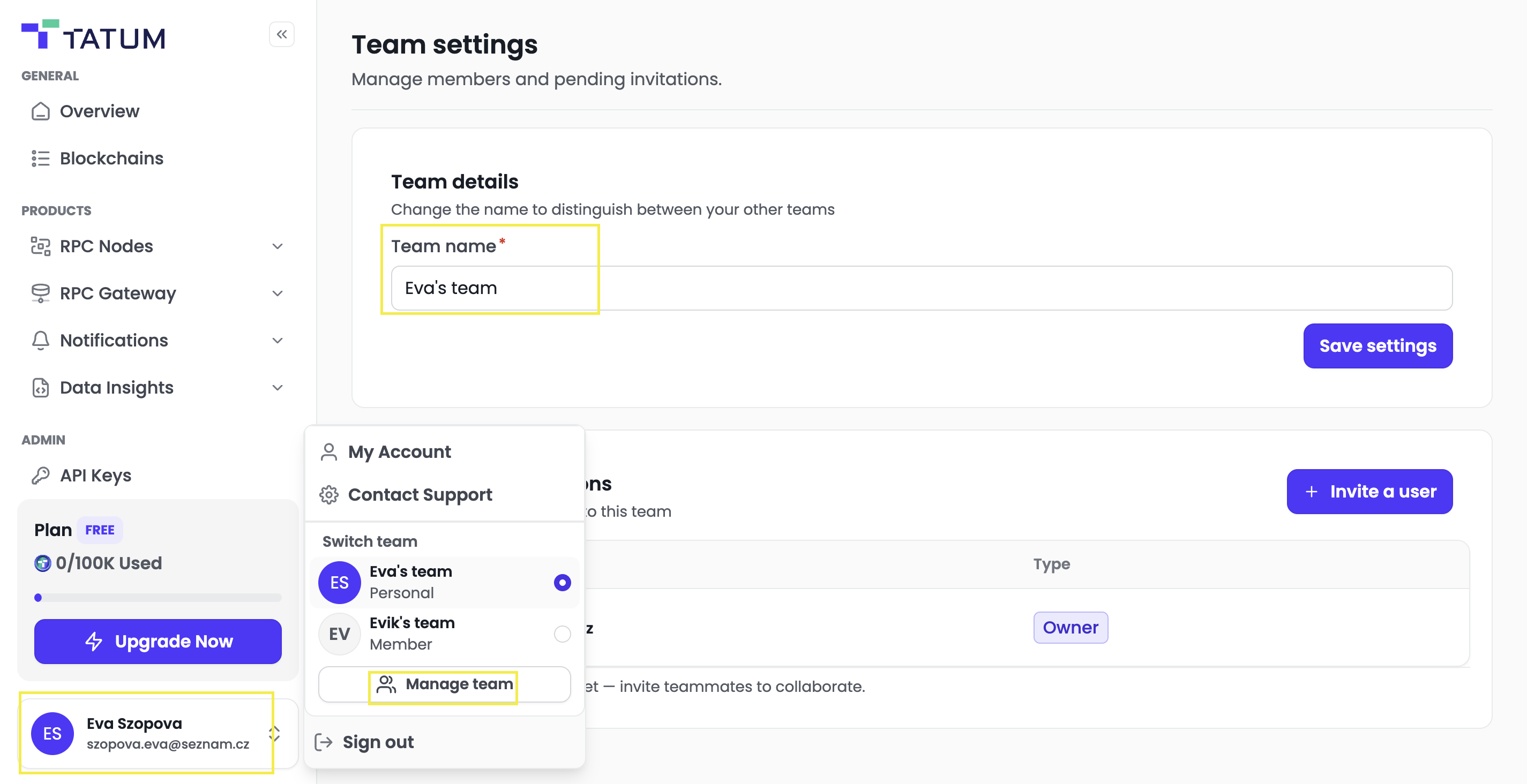
- Log in the [Tatum Dashboard] to your account
- At the lower left side, click to you name
- Click Manage team
- Add the Team Name and Save
Invite Team Members
-
Navigate to Team Settings
-
Click [Invite a user]

-
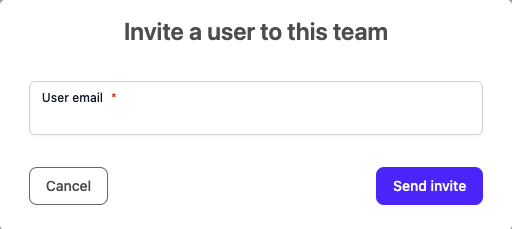
Input the email of already registered member you want to invite to your team and click [Send invite]
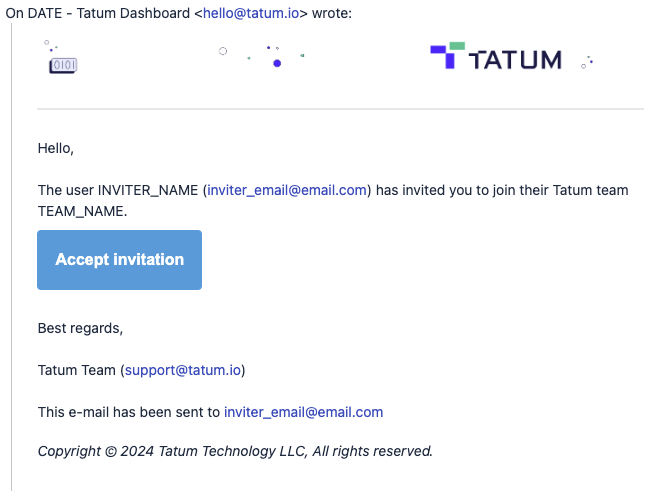
- The invited user will receive an email with the invitation